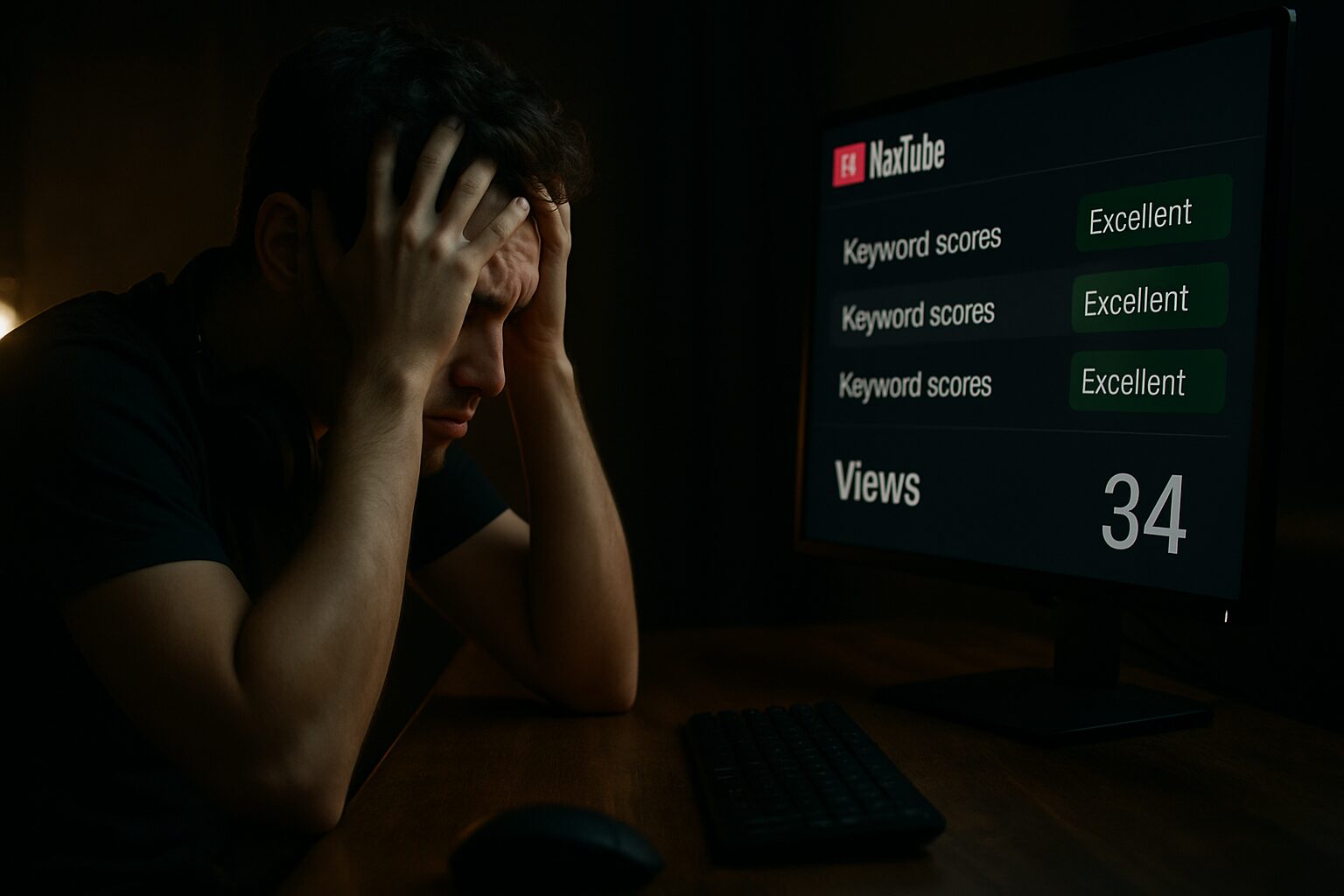
Most YouTubers are unknowingly sabotaging their own growth. If you’re still picking keywords based on gut feelings or trusting random scores from tools you don’t fully understand, you might be one of them.
I’ve spent over $800 testing every major YouTube keyword research tool, and what I discovered was shocking: most of them are giving creators completely misleading data. These tools often show green scores and “high opportunity” labels on keywords that are completely dominated by creators with 500,000+ subscribers and videos with millions of views. This makes you think you’re making a smart choice, but in reality, you’re setting up your video to be ignored.
But it’s not your fault.
Most of these tools were built for SEO professionals optimizing websites, not content creators trying to grow YouTube channels. That’s not strategy — that’s guesswork, and guessing is the fastest way to stay stuck under 1,000 views.
No matter how great your content is, if no one’s searching for it, it will never get seen.
What You Really Need in a Keyword Research Tool
I tested the top tools based on:
- Speed of keyword results
- Accuracy of suggestions
- Ease of use
- And most importantly: do they actually help you grow your channel?
Let’s break down each of the most popular options and why most of them are failing creators.
1. YouTube Search Bar (A Good Start, But Not a Strategy)
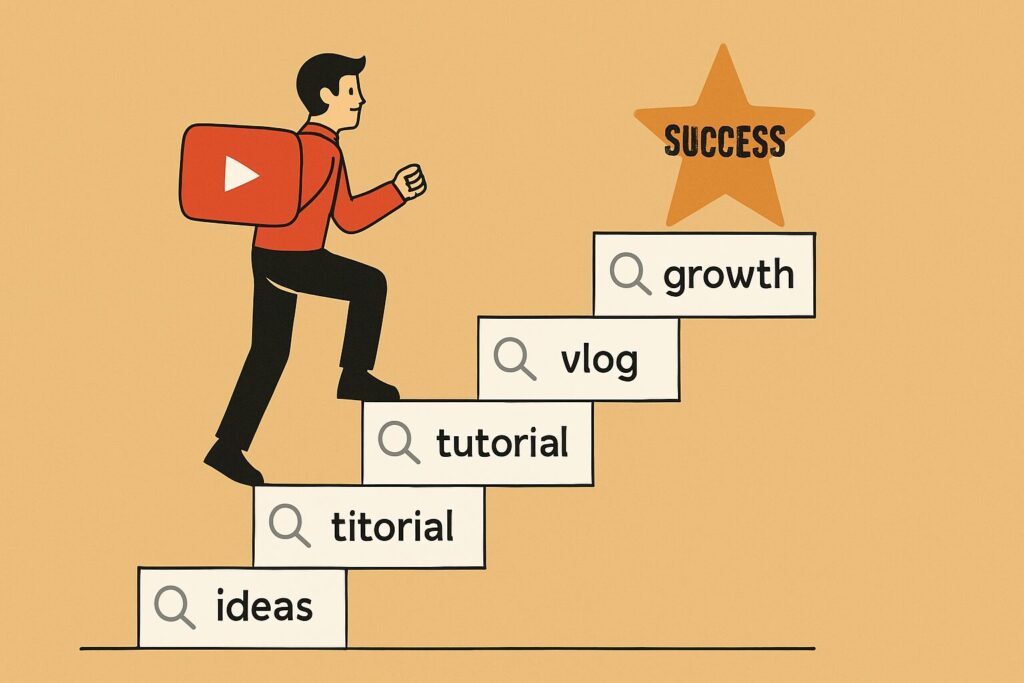
Most creators think keyword research is as simple as typing something like “how to edit faster” into the YouTube search bar and picking whatever looks clickable.
To be fair, YouTube’s suggestions are not useless — they come straight from the platform’s own algorithm, so they reflect what the audience is actually searching for.
But here’s the problem:
That’s all you get.
- A few suggestions per term
- No insight into competition
- No idea how many people actually search that keyword
- No data on whether you can rank for it
You’re essentially taking a screenshot of the search bar and hoping for the best. It feels strategic because you’re using real queries — but without context, you’re still gambling.
Yes, it’s free, and yes, it’s great for brainstorming. But that’s where it stops. If your goal is to rank and grow, the YouTube search bar alone won’t cut it.
2. TubeBuddy (Fast But Misleading)
TubeBuddy is a tool almost every creator stumbles upon early on. It looks simple, gives fast answers, and seems like a smart move.
But here’s what I found:
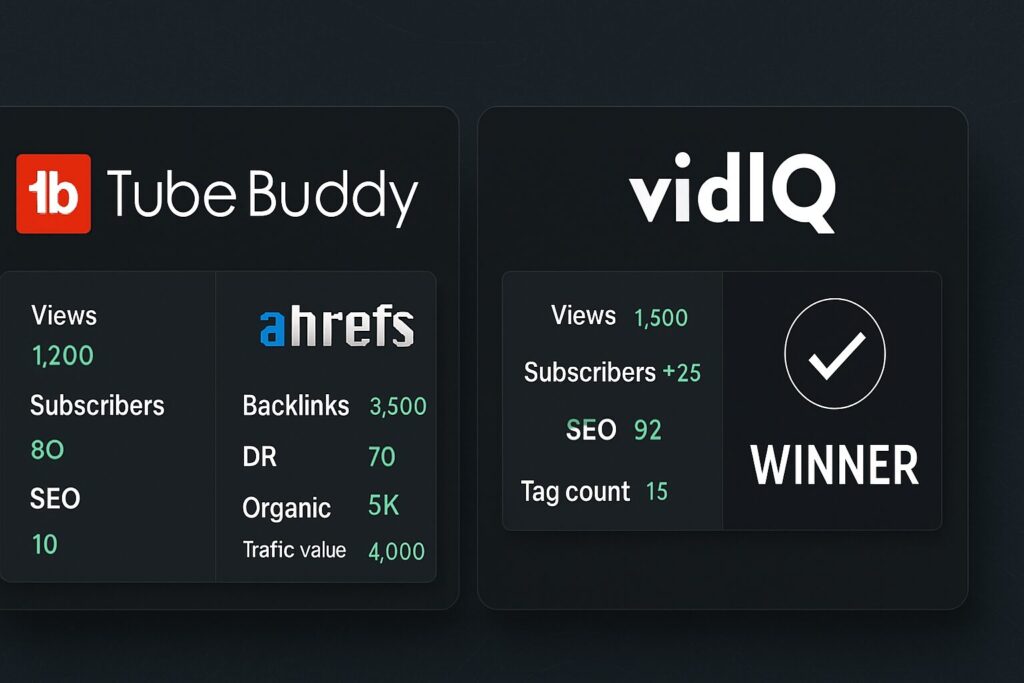
Those scores? Often completely wrong.
TubeBuddy can label highly competitive keywords as a “Great Choice,” even though the search results are stacked with huge channels. Without context like who’s ranking or how saturated a keyword is, you’re still guessing.
Even when you switch to weighted mode (which few new creators do), the tool offers vague explanations that leave beginners confused. And while it’s fast and built into YouTube for convenience, its free plan is severely limited.
Want better data? You’ll need to pay.
Want A/B testing or trend alerts? That’ll be $40–$50/month on the Legend plan.
And even at that price, it still doesn’t answer the most important question:
“Should I even make this video?”
Without that answer, you’re just polishing a video that won’t get seen.
3. Ahrefs (Powerful for SEO, Useless for YouTube)
Ahrefs is a beast in the SEO world, but for YouTube creators? It’s a different story.
Yes, it gives a lot of data — monthly searches, CTRs, competition metrics — but it’s not built for creators. It’s made for SEO analysts, not YouTubers trying to find topics that will actually rank.
You’ll get lost in rows of numbers and graphs, but none of them answer the real questions:
- Can I rank for this?
- Are small creators ranking?
- Is the traffic steady or dead?
It’s fast at pulling results, but slow at giving clarity. And let’s not forget: Ahrefs costs $99/month minimum. Unless you’re running SEO campaigns for clients, this is wildly overpriced for YouTubers.
4. VidIQ (Finally — Clarity and Strategy)
Now let’s talk about the tool that actually worked: VidIQ.
At first, I used it like every other tool. But the more I explored it, the more I realized how powerful it really is. It’s beginner-friendly, super fast, and — most importantly — accurate when you learn how to read its data.
What makes it unique is the ability to use what I now call the KVS Method (Keyword, Validation, Strategy).

Here’s how it works:
- Start Broad
Use a general topic like “AI video generator.” - Hit “Matching Terms”
VidIQ shows dozens of longtail keywords people are actually searching for. - Go Deep
Look for niche queries like “free AI image to video generator without watermark.” - Validate the Keyword
Search it on YouTube. Analyze:- Who’s ranking?
- Are small channels ranking?
- Is traffic consistent?
Use VidIQ’s historical graph to check if videos are still pulling views. No other tool offers this.
- Find the Gap
See if anyone is using that exact keyword in their title. If not, that’s your opportunity. - Craft the Video
Study the top videos. Read comments. What’s missing? What confuses viewers? Use that to create your unique angle. - Optimize for Intent
Use the keyword in your title, support it in your description, and make a thumbnail designed for search intent.
This system removed the guesswork. Over time, I made it faster, more efficient, and more strategic. And that’s what helped me finally grow.
You Can Do This Too
If you’ve ever had a video finally get traction, not because it went viral, but because it was built to rank, then you know how powerful this is.

And if you haven’t felt that yet, this is your moment.
I’ve created a step-by-step video that goes even deeper than the KVS method — it’s my complete blueprint for ranking #1 on YouTube, built on four years of experience.It’s the system I wish I had when I started. Because success on YouTube isn’t about getting lucky — it’s about giving YouTube exactly what it’s looking for.Final Thought
Right now, you have two choices:
- Keep uploading and hoping something hits,
- Or learn how to find the right keywords, build videos with purpose, and rank with clarity.
The tools are out there — but only one gave me the real edge.
🔍 FAQs: YouTube Keyword Research & Ranking Strategy
What is the best tool for YouTube keyword research?
Is the YouTube search bar good for keyword research?
Why are TubeBuddy scores sometimes wrong?
Can beginners use VidIQ effectively?
What’s the KVS method in YouTube keyword research?
Why is Ahrefs not ideal for YouTubers?
How do I know if I can rank for a keyword?
What is a longtail keyword on YouTube?
Can keyword research improve my YouTube views?
How much does VidIQ cost?
What’s the #1 mistake YouTubers make with keyword research?
Should I still use TubeBuddy or Ahrefs?
READ MORE ARTICLES
How I Built a Tools Website with Google Gemini (A Step-by-Step Case Study)
The Ultimate Guide to Replacing Adobe Photoshop & Illustrator with Free Alternatives (2025)
Midjourney vs. Stable Diffusion: Which AI Art Generator is Right for You? (2025 Guide)
Huion vs. XP-Pen: The Best Budget Drawing Tablet for Beginners (2025)