Intro
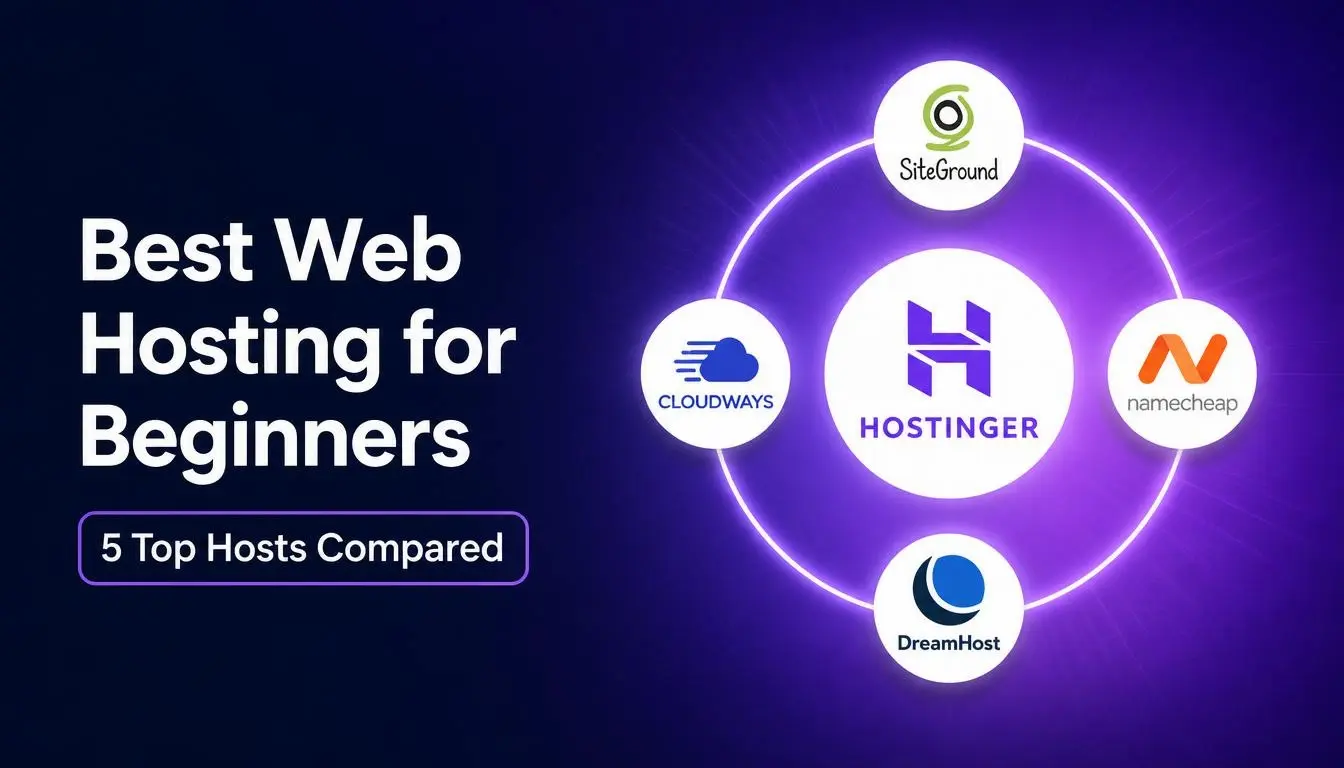
I tried all of the most popular web hosting providers. The five we’re taking a look at today are Hostinger, SiteGround, Cloudways, Namecheap, and DreamHost. To figure out which one’s best, I broke it down into the five things that matter most: performance, ease of use, support, security, and price. You’ll see where each one does well, where it falls short, and which one comes out on top.
A quick note before we start: this article may contain affiliate links, which means I may earn a commission if you sign up through them.
Performance
Performance comes down to two things: how fast your site loads and how often it’s online instead of down. Think of your site like a shop. You want the doors to open quickly and stay open, or else people will leave before they even get in. I dug into the latest uptime and speed data for all five hosts.
DreamHost
The slowest of the five was DreamHost, and here’s why. It runs on shared servers in just a couple of locations, so pages can take a little longer to load, especially for visitors who are far away.
Namecheap
Namecheap sits in the middle. It’s on shared servers too, but it’s quick enough for most small sites.
SiteGround
SiteGround takes a different approach to speed. Its servers aren’t the quickest on their own, but it keeps a ready-made copy of your site saved and waiting, so the moment someone visits, your pages still load fast.
Hostinger
Hostinger is faster than you’d expect. It runs on a speed-focused kind of server software called LiteSpeed, along with NVMe drives, which are among the fastest types of storage you can get.
Cloudways
And the fastest of the whole group is Cloudways. It runs on the same big cloud networks that power companies like Google and Amazon with servers all over the world, so your site stays quick no matter where your visitors are.
Uptime and Speed Results
When it comes to staying online, all of these hosts are very strong. In the data I looked at, they’re all up around 99.9% of the time, so you can reasonably expect little to no outages with any host on this list. And on speed, the gap between the top two is very small, so any of them will keep a normal site quick. But if speed is your top priority, Cloudways is the winner here with Hostinger right behind it.
Ease of Use
Ease of use really comes down to one question. How quickly can a total beginner get from signing up to a live website without getting stuck? I did exactly that on all five. I signed up, built a site, and watched for three things at each step: how smooth the signup was, how fast I could get a site online, and how easy the dashboard is to use.
DreamHost
The one that gave me the most trouble was DreamHost. It works fine once you settle in, but instead of cPanel, the standard control panel that most hosts use, DreamHost has its own control panel. So the layout felt unfamiliar and I spent extra time hunting for basic settings. And signing up can be slow since they sometimes have to approve new accounts manually.
Cloudways
Cloudways was the next trickiest, though its dashboard is actually the most modern and clean of the bunch, so once you’re set up, it’s really nice to work in. It does take a little longer to get going because Cloudways is built for running a cloud server. So there’s an extra step or two at the start, like picking your cloud provider and server size before you launch.
SiteGround
SiteGround was a bit easier to use. Its dashboard is clean and managing your site is simple once you’re in. The only catch here was the signup. It kept pushing a bunch of extra add-ons on me before it would let me check out.
Namecheap
Namecheap was one of the easiest. The signup was the fastest of the bunch with no upselling, and it uses a standard cPanel layout so the dashboard is clean and easy to get around in once your site is live.
Hostinger
And the easiest by far was Hostinger. Its dashboard, called hPanel, was clearly built for brand-new users, so everything is in plain language and easy to reach. Getting your first site online takes only a few clicks and everything felt very streamlined and easy for beginners. So for ease of use, Hostinger is my top pick, especially if you’re creating your very first website.
Support
But no matter how easy a host is to use, sooner or later you’ll run into a problem you can’t fix on your own, and when that happens, good support is a real lifeline. That’s what I looked into next. What really matters with support is two things: how fast you can get a real answer and whether that answer actually fixes your problem.
Namecheap and DreamHost
The most disappointing support comes from Namecheap and DreamHost. With both, it takes the most back and forth to reach a real person and get a clear answer.
Cloudways and SiteGround
Cloudways and SiteGround land in the middle. The first automated replies are fine, and once you get through to a real person, they’re great, even walking you through the exact steps you need. But getting to that real person does take some patience.
Hostinger
And the best by far is Hostinger. You start by chatting with their AI assistant named Kodee, which I found pretty helpful. From there, if it can’t solve your problem, it quickly transfers you to a real person who will genuinely help you out. When it comes to support, Hostinger is the winner in my book. If getting stuck is something you’re worried about, that’s the host I’d recommend.
Security
Good support helps when something goes wrong on your end, but the best hosts also work to stop problems before they ever reach you, and that comes down to security. For your site, that means protection from hackers, viruses, and losing all of your data. I looked at how much each host protects you on its own without you having to set anything up.
The Essentials
First, the good news. Every one of these covers the essentials on every plan: a free security certificate, a firewall, and basic protection against the kinds of attacks that try to flood your website. So at a baseline, none of them leave you exposed. What separates them is the extra protection that they offer on top. I’ll rank them by that, from the least to the most.
Namecheap
Namecheap does the least beyond the basics. Daily backups only kick in on pricier plans and there’s no virus scanning at all.
DreamHost
DreamHost does a little more on every plan, even the cheapest. It backs up your whole site every single day and it throws in free privacy protection so your personal details stay hidden. The one thing it holds back is automatic virus scanning, which costs a little extra here.
Hostinger
Hostinger goes a step further by including that virus scanner for free on every plan right alongside all of the basics. The only catch is that on the cheapest plan, backups only run once a week instead of daily.
SiteGround
SiteGround is more secure than I expected. It runs its own custom firewall that updates constantly to stay ahead of new threats, it backs up your site every day, and it keeps each website walled off on its own so a problem with someone else’s site can’t spread to yours.
Cloudways
Cloudways was also a real surprise for me. Even on its cheapest plan, the strong stuff is all built in: a dedicated firewall, automatic backups, and free virus scanning. For security, SiteGround and Cloudways are the two best ones. With either one, you barely have to think about it.
Price
That covers everything a host actually does for you, how fast it is, how easy it is, the help behind it, and how safe it keeps you. How much does all of this actually cost? First, some more good news that covers almost all of the hosts. Most of them come with a 30-day money-back guarantee so you can try one with much less risk, and some even throw in a free domain for the first year.
Renewal Prices
But here’s the thing that trips most people up. The low price you see with these hosts is usually just a deal for your first year. The price that actually matters is what you’ll be paying a year or two from now. You don’t want a surprise at renewal, so here’s how they compare on what price you start at and what the price jumps to when you renew. For each host, I’m looking at the cheapest, most basic plan, usually on a one-year term. And since these discounts and promos can change pretty often, the exact numbers might be a little bit different.
SiteGround
The one whose price climbs the most is SiteGround. It starts around $3 a month, which looks great, but once your first year is up, it renews closer to $18 a month. The service itself is solid, but that is a big jump and you want to know that it’s coming.
Cloudways
Cloudways works a little differently. There’s no contract and no renewal surprise, and you can cancel at any time since you just pay for what you use each month, starting around $11 a month. It costs more than the basic shared plans, but you shouldn’t get hit with a sudden jump in price.
Hostinger
Hostinger sits in the middle and gives you a lot for what you pay. One thing worth knowing is that the lowest price you see, which is just under $3 a month, is only if you lock in for four years upfront. On a one-year plan, it’s closer to $4 a month once you add in taxes. Either way, it renews around $11 a month after your term is up.
DreamHost
DreamHost is another cheap one to start with at just under $3 a month. When it renews, it climbs to about $11 a month. Its pricing is pretty similar to Hostinger, but the promo offer is slightly better with DreamHost.
Namecheap
And the cheapest of all the hosts that we’ve looked at is Namecheap. It starts around $2 a month and only renews at about $4 a month, which is very affordable. So if your main goal is keeping costs low, Namecheap is the pick here.
Web Hosting Discounts
I got in touch with all five of these hosting companies and I managed to get you a discount on every single one.
My Top Recommendation
We’ve now looked at all five hosting providers from every angle. Which one should you actually go with? For most people, and especially if this is your first website, the best all around pick in my opinion is Hostinger. Out of all five, it’s the most well-rounded. It wins the two things that matter most when you’re first starting out, ease of use and support, and it stays strong everywhere else with solid speed and security and a lot that you get for the price. And while it isn’t the fastest and a few of its features only come with the higher plans, it didn’t fall behind on anything we looked at. And that’s exactly why it’s the one I’d recommend for most people.
Who the Others Are For
There’s no single best host for everyone. The right one really depends on your situation.
Namecheap
If you just want a simple website online for as little as possible, go with Namecheap. It’s the cheapest of the five over time, but just know that it’s best for small sites.
DreamHost
If you want simple, no pressure hosting that’s cheap to get started with, DreamHost is a solid choice. It’s the slowest of the five though and signing up takes a bit longer.
SiteGround
If your site is growing and you want strong support and room to scale, SiteGround is a great fit. Just keep that renewal price in mind.
Cloudways
And if you get a lot of visitors or your income depends on your site staying fast and online, Cloudways is another strong choice. You’re paying for serious power and security with no contracts, and the only real downside is that it takes a bit more time to set up.
Final Advice
Whichever one of these sounds the most like you, that’s the one to go with. And if you’re still not sure, you’re unlikely to go wrong starting with Hostinger.