My dad called me last month. He was worried and excited at the same time. He saw a video of a “famous doctor” on Facebook. The doctor was talking about a miracle supplement. My dad wanted to buy it fast, before it sold out.
The doctor looked real. He sounded real. His hands moved the way real people move their hands when they talk.
But it was fake. All of it.
It took me about four minutes to prove this. I could do it fast because I already got fooled once before, so now I know what to check. My dad had already put the item in his cart. He had already typed in his card number.
That moment made me think. Most people don’t know how good fake AI images and videos have become. The old trick of “count the fingers” doesn’t work anymore. So I spent the last few months testing tools that check for fake images. I compared real photos with fake ones. I also looked into things like identity theft protection and fraud alerts, because this is not just about being tricked. It can cost real money. Here is what I learned, in plain words.
Why This Got So Hard
Back in 2023, spotting a fake AI photo was easy. Extra fingers. Melted rings. Teeth that looked like little white blocks stuck in a row. You would zoom in, laugh, and move on.
New tools like Midjourney v7, GPT Image, and Flux Pro fixed most of those mistakes. I ran a small test with ten people at work. I showed them five real photos and five fake ones, all mixed up. No one got more than 6 out of 10 right. One guy from the IT team only got 4 out of 10. That is worse than just guessing.
The tools got very good. So we all need better ways to check what is real.
What I Check First (Free and Takes Two Minutes)
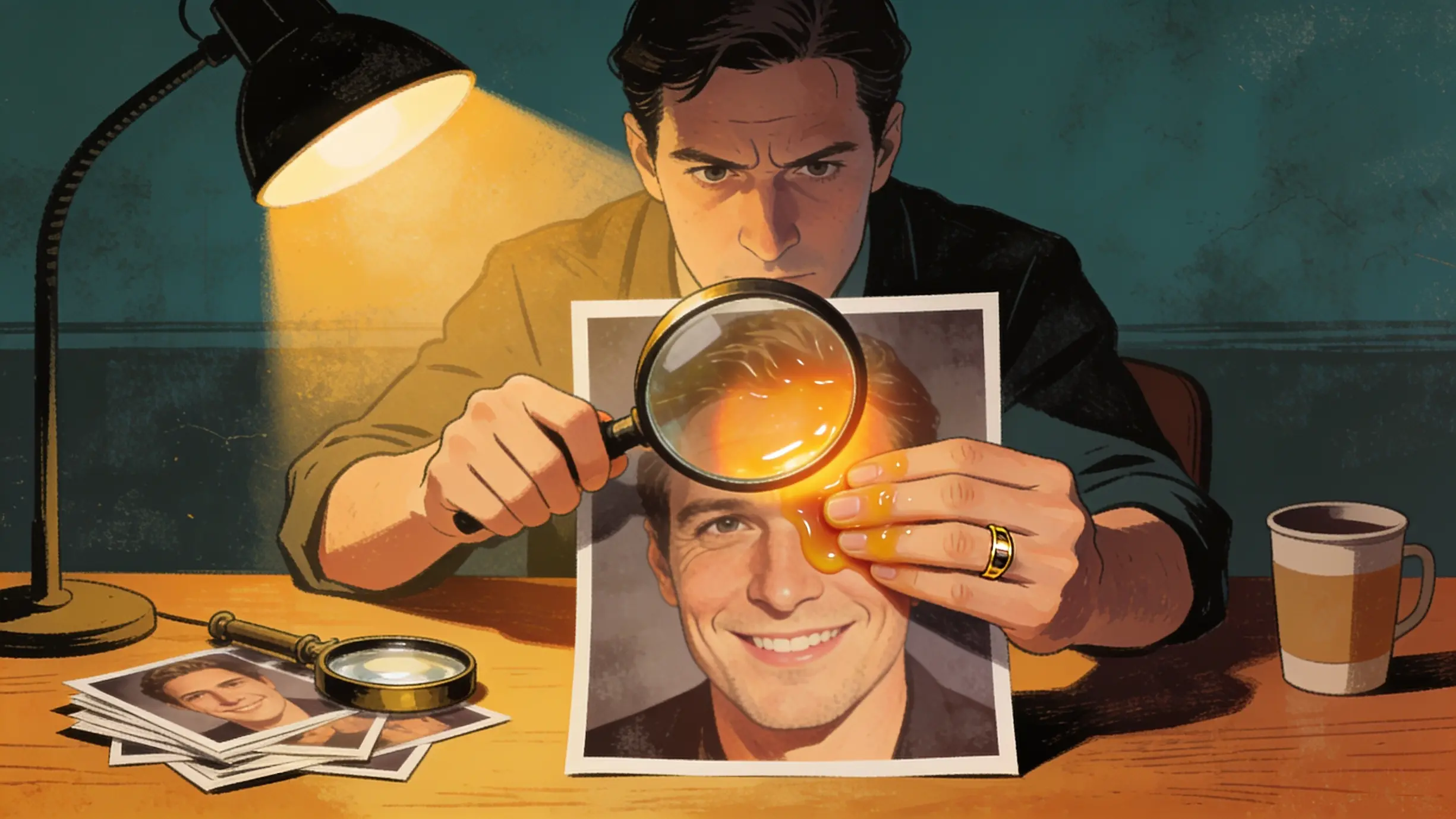
Before I use any paid tool, I look at the photo closely. This does not always work now, but it still catches many lazy fakes, even ones used in scams.
Zoom in on hands, ears, and jewelry. This is still the weak spot for most AI tools. I once found a fake photo because a ring looked half-melted into a finger. Another time, an earring had no post connecting it to the ear.
Look at the background, not just the face. People stare at the face because that is where things “look wrong.” But AI often messes up the background more. Look for street signs with strange letters, or two people whose bodies blend together in a crowd.
Check reflections. Mirrors, sunglasses, windows, wet streets. AI still struggles to make these match the real scene. If someone’s sunglasses show a different scene than what is really around them, that’s a big clue.
Watch for skin that looks too smooth or too plastic. Real photos have small flaws. Pores. Small lines. A bit of grain from the camera. Many AI photos still have skin that looks too clean, almost like wax. You’ll see this a lot in fake dating profiles and romance scams.
None of these tricks work every time now. I need to be honest about that. I have seen fake photos that pass every single check above. That’s why the next step matters even more.
Reverse Image Search (My First Move Now)
Before I even zoom in, I search the image online first. This is fast, and it finds more fakes than just looking at the photo. It is also the best free way to catch romance scams, fake charity posts, and fake product ads.
I use Google Images, TinEye, and Yandex Images, in that order. Yandex has found things the other two missed, especially with photos that came from outside the US.
Here is what I do, step by step:
- Save or take a screenshot of the photo
- Open Google Images and click the camera icon to search by image
- Check if the photo shows up on stock photo sites, news sites, or old posts. If a “breaking news” photo has been online since 2019, that tells you it’s not new
- Search the same photo on TinEye to see when it first appeared online
- If the first two find nothing, try Yandex Images, especially for news from other countries or sellers based overseas
This is exactly how I saved my dad’s money. The “doctor” in the video was really just a stock photo model. His face had been used in at least six other scam ads. It took less time to find this than it took to explain it to my dad.
Tools I Have Actually Tried
I have run over 200 images through different detector tools over the past few months. Here is my honest opinion, mistakes and all. If you work with private files, client photos, or run a small online shop, these tools work well with normal antivirus and cybersecurity software you may already use.
Hive Moderation is the tool I trust most for photos. Big platforms already use it behind the scenes. In my tests, it correctly caught more fake images than the free tools. It gives you a percent score instead of just “yes” or “no,” which I like because nothing is ever 100% certain.
DeepAI’s AI Image Detector is free and fast. It’s good for a quick first look, but I would not trust one result from it alone. Use it as a starting point, not the final answer.
McAfee’s Deepfake Detector works better for video calls and voice scams than for still photos. It’s a nice add-on if you already pay for antivirus or identity protection software.
Google’s SynthID now works with Chrome and Google Search to spot AI-made images. This only works if the image was made with a tool that adds the SynthID mark, so it will miss a lot of fakes. But when it does find something, you can usually trust it.
Here’s a mistake I made early on. I thought a “90% real” score meant the photo was definitely real. It’s not that simple. These scores are just guesses based on training data. New AI tools are made on purpose to trick older detector tools. I once had one tool say an image was “likely real” and another tool say the same image was “likely fake.” When that happens, I don’t trust either score by itself. I go back and use other checks too.
Metadata: The Clue People Forget
Every real photo from a phone or camera has hidden data attached to it. This is called EXIF data. It includes the camera model, the date, sometimes the location, and camera settings. AI-made photos usually don’t have this, or the data looks fake and empty.
You can check this for free. On a computer, right-click the photo file. Choose “Properties” on Windows or “Get Info” on Mac. Look for camera details. If a photo says it came from an iPhone but has zero camera info, that’s a warning sign. You can also use a free site like Jimpl to check this in a few seconds.
Here is where I got confused the first time. Apps like X, Instagram, and Facebook remove this hidden data when you upload a photo, even real photos. So a missing EXIF file on a social media post does not prove much by itself. This trick only really works when you have the original file, like a photo sent to you by email.
There is a newer system called C2PA Content Credentials that tries to fix this problem. Adobe, Sony, and Leica now add a hidden, tamper-proof stamp to photos the moment they are taken. It’s a good idea, but not many places use it yet, and social media apps still remove it during upload. Think of it as a helpful extra clue, not your main tool.
Fake Videos Are Even Harder
Fake photos are one problem. Fake videos are much harder to catch, and they cause more money loss. Think of a fake video call from a “boss” or “family member” asking for a gift card or a bank transfer. This is also how a lot of business scams and fake wire transfers start now.
Here’s what I watch for in a video that feels off:
- Blinking. Real people blink in an uneven way. Fake videos sometimes blink too little, too rarely, or in a strange steady rhythm.
- Mouth and sound not matching. Watch closely around the 30 to 60 second mark. In weaker fakes, the mouth starts to fall out of sync with the sound the longer the video runs.
- Lighting that doesn’t match. If the face looks lit like a photo studio but the room around them looks lit differently, something is wrong.
- A flat, strange tone of voice. Cloned voices can sound like the real person but still feel a bit flat or emotionless, even during exciting or sad parts.
If a video call feels wrong, and someone is asking for money, gift cards, a bank transfer, or personal details, I hang up right away. Then I call the person back using a number I already had saved, not a number they gave me during the call. If it turns out to be a scam, you can report it using the FTC’s report tool, which helps real investigations.
Mistakes I Made (So You Don’t Have To)
I want to be honest about the times I got this wrong. It’s a bit humbling.
One time, I said a real photo was fake because the lighting looked “too perfect.” It turned out to just be a very well-shot product photo. Not every clean-looking photo is fake. Sometimes people are just good photographers.
I also trusted one score from one tool too much. A tool told me a photo was “97% real,” and I shared it in a group chat as proof. Someone else checked it with a different tool, and it said “82% fake.” Neither of us could really be sure after that. The lesson: one score from one tool is never the final answer.
I also didn’t know how good voice cloning had become. I thought I could tell a fake voice from a real one on the phone. I was wrong, and a friend proved it to me in a quick test. That was a strange and unsettling afternoon. It’s also why I looked into fraud alerts and free tools like IdentityTheft.gov afterward, just to have a backup plan.
A Simple Checklist I Use Now
When something looks suspicious, here’s the order I follow:
- Search the image first using Google Images, TinEye, and Yandex Images
- Zoom in on hands, jewelry, reflections, and any text in the background
- Run it through Hive Moderation or DeepAI if I still have doubts
- Check the hidden photo data (EXIF) if I have the original file
- For video or phone calls, check by calling back on a number I already trust
- Never trust just one tool’s score by itself
- If money or personal info is involved, treat it like a scam first, then check the facts
Using two or three of these steps together works much better than trusting just one. It’s also a lot cheaper than dealing with real identity theft or fraud later.
Where This Is All Going
Honestly, this race is not slowing down. Every time detector tools get smarter, the fake-making tools get trained to beat them. Ideas like C2PA and SynthID could really help in the long run. But they only work if apps like Instagram, X, and Facebook stop removing this hidden data when people upload photos.
Until that changes, your best defense is still simple: a little healthy doubt, a couple of free tools, and knowing what small details to check. You don’t need to be scared of every photo you see online. You just need to pause for two minutes before you trust something enough to act on it, especially if it’s asking for your money, your passwords, or your dad’s credit card number.