Demystifying Cybersecurity for Everyday Online Users
What if securing your online world doesn’t require a computer science degree? No coding required at all. The truth is, a lot of people think that cybersecurity is only for tech geniuses, nerds, people who spend their whole lives tapping away on a computer in a dark room, surrounded by eight monitors or four, or whatever the number is. But that’s a total myth. Here are 5 simple tools that can completely and totally change your digital defence and give you peace of mind, even if you are just a regular person trying to stay safe online. Usually, content like this is for people who are trying to grow their careers in cybersecurity, but there are thousands and millions of others who aren’t really cybersecurity pros.
Understanding the Realities of Modern Digital Threats
Imagine waking up and checking your phone to suddenly see an alert that your account password has been changed. Now you start running around, changing passwords, calling banks, and wondering how it even happened. That is the reality of today’s digital world, because data breaches, identity theft, and online scams are as common as spam calls today. That’s why cybersecurity isn’t optional anymore. It’s a life skill that’s crucial for everybody. Cybersecurity should be taught in high school right now, or maybe middle school, because it’s so important. And the good news is, you don’t need to be a cybersecurity pro to protect yourself.
Identifying Common Methods of Online Scams
Before getting into the tools, let’s talk about the very basics. What are we defending against? There are three broad categories of things to defend against. The first is phishing. It’s those times when there are sneaky emails trying to get you to give up information. They could be pretending to be your bank, your Netflix account, or maybe a long-lost relative trying to send you some money. They’re trying to trick you into giving up your login information. That is phishing, and phishing can be of various types. There’s SMS phishing called smishing, there’s voice phishing called vishing, and there’s regular phishing via email. That’s the first thing to defend against.
The Mechanics of Malware and Ransomware Attacks
The second thing is what is called malware. The word malware comes from two words: malicious software. It’s software that is designed to infect your computer and cause a negative effect. It could be stealing your files, locking you out of your computer, encrypting your files, or anything that stops you from being able to work regularly. That’s the basic principle behind malware.
How Ransomware Kidnaps Your Digital Data
And of course, there’s also ransomware, which is an advanced type of malware where the actual intent of that malicious software is only one thing: to kidnap your data for money. They lock up your data and say you have to provide money in return for access to your data. That money could be regular money or it could be cryptocurrency, which is getting a lot more frequent these days because attackers think it’s untraceable. Spoiler alert, it’s not it’s very traceable. Ransomware is essentially just like kidnapping your data. And the truth is, it’s not a movie plot. It happens every single day to everyday people, and it can happen to anyone. That’s why the best defence is a smart, layered approach.
Implementing Essential Tools for Digital Protection
That brings us to tool number one. Whatever your device is Windows or otherwise you should have antivirus or internet security on your device. Think of it as your digital bodyguard. It’s always scanning, looking for threats or viruses.
Tool 1 – The Role of Antivirus Software
Trying to protect you and give you alerts about what is happening before it causes chaos. Think of those times when you open up a PDF file and get a notification saying it removed a script because it looked suspicious in that file. That’s your antivirus or internet security software kicking into action. Or you’re trying to access a particular website and you get a notification telling you that website was blocked because it’s a known dangerous website. That’s exactly what it does. It gives you real-time protection and tries to prevent you from falling victim to some of these threats. Any good antivirus software should offer a couple of things. You want something that offers real-time protection because that’s what you really need.
Evaluating Free and Paid Antivirus Solutions
You also want something that gives you automatic updates so that as they get the latest definitions and as new threats are revealed, it’s automatically pushing that to your device. And thirdly, something that provides malware removal something that’s able to proactively remove malware when it’s found. If cost is a concern, there are free options like Windows Defender, which comes built into every single Windows computer. There are a ton of different free antivirus options out there. All of them provide some basic level of protection. But the truth is, no free option can be anywhere near as good as a paid option. If you can go for a paid option from any of the big providers, they offer extra protection and better support, and that would help keep your device safe and your cyber footprint secure.
Tool 2 – Implementing a Robust Password Strategy
That leads to the second tool. Tool 2 Use a Password Manager. Everything and everyone today operates with some sort of password. And the truth is, unfortunately, many people reuse those passwords across different platforms. People use the same password for their social media, for their email, and for their banking applications.
The Disastrous Consequences of Reusing Passwords
And that’s just not good enough. Here’s the reason why. Let’s say the same password is used across all platforms — email, social media, and banking. If one of those social media sites is breached and somebody steals usernames and passwords from that site, they now have an email and password combination. They can then go to a banking website and try that password and successfully log in and steal money. Or they try it on email, successfully log in, and reset access to many apps. That would be disastrous. That’s why it is recommended to use a different password for every single login. Don’t reuse passwords across different logins.
Using Password Managers for Complex Security
Even if it’s a dummy login used when avoiding spam and it’s a fake email, still try to make sure that the password is not the same. But none of our brains are a computer, so it’s hard to memorize so many tough and complex passwords. Password requirements say long passwords are better complicated passwords with uppercase and lowercase letters, numbers, and special characters. Try to think of a 25-character password, and then try to think of 10 of those, and then try to memorize them. That is going to be a challenge. That’s why a password manager should be used. A password manager is a tool that helps store and generate different complex passwords for different platforms and different services.
Managing Master Passwords and Unique Credentials
And each of those passwords is going to be unique. With a password manager, there’s no need to memorize all the various passwords or remember what they’re used for. All that needs to be memorized is that one master password that gets into the application. The application is then able to automatically generate strong, unique passwords, apply those passwords to the platforms or services they’re used for, and store the data so it can always be retrieved. Only one password needs to be memorized. It’s like a digital vault that always does exactly what it’s supposed to do. That’s why it’s very important to start using a password manager right away.
Tool 3 – Securing Your Connection with a VPN
A third thing to think about is how safe the internet connection is. The internet has grown from its early days when there were just a few websites there are literally millions, maybe billions, of websites on the internet now. Connection can be through home internet, a mobile data connection, or what many people like to do: free Wi-Fi. Going to a coffee shop, the airport, or a public place and connecting to free public Wi-Fi is common.
The Risks Associated with Public Wi-Fi Networks
But with public Wi-Fi, almost always data is being shared with everybody else on that Wi-Fi. The truth is most public Wi-Fi is very poorly set up and configured, and it’s easy for anyone on that network to snoop and read data. Nobody would write passwords on a piece of paper and hand it over on a bus, so why use public Wi-Fi without any protection? That’s why, if public Wi-Fi is going to be used, getting a VPN is strongly recommended. A VPN allows internet traffic to be encrypted and hides the IP address. That way it’s harder for people who are not the intended recipients of that data to track and see what is being sent.
Tool 4 – Enabling Multifactor Authentication Everywhere
There are lots of VPNs as well. Just like with password managers and antivirus, there are free options and paid options. Free options are pretty good, but if a paid one can be afforded, it’s always better. It is especially recommended to use a VPN when doing banking online, shopping online, or any time sensitive data like credit card information or banking information is being entered. Tool 4 Use Multifactor Authentication. The fourth thing, and this is so important, is to have multi-factor authentication turned on on everything possible. For social media, email, whatever it is turn on multifactor authentication.
Secure Alternatives to SMS Two-Factor Authentication
That adds a secondary layer of protection so that in the event that someone steals a username and password, it still stops them from being able to get into an account. It’s like an extra step. It could be a code sent through an app and SMS 2FA should be avoided in favour of a more secure, hacking-resistant solution. There are FIDO2 solutions, and some of the very common ones include Google Authenticator or the Microsoft Authenticator. Those apps are installed on a phone and they generate random codes that change every 30 seconds or one minute. That provides additional verification to confirm identity before getting into a platform. Where possible, use a two-factor authentication solution. It takes a few extra seconds.
Developing a Proactive Mindset for Long-Term Safety
Its so worth it because it protects you. It’s like having a door with a lock, but also a deadbolt. Even if someone steals the key and opens the door, they are unable to get past the deadbolt and you are still safe. Tool 5 Phishing Awareness and Email Security is very important. The fifth and final tool is phishing awareness and email security. This is not particularly something to download and install on a computer, but it’s the proper way of doing things. Go into your email and look at how many emails raise the question: where did I sign up for that? Why is this person sending emails?
Tool 5 – Cultivating Phishing Awareness and Email Security
There are so many emails some are legitimate, some are just spam, and some are outright phishing attempts. If the purpose of a link is unknown, if someone sends an email saying a prize has been awarded or money has been won or a device has been received that wasn’t expected, be very suspicious. Always be suspicious. If a link looks fishy, don’t click on it. Check what the link is saying. Check the sender’s address carefully, and if something feels off, it probably is. All the major email providers today Gmail, Outlook, all of them provide spam filters. They’re like email security extensions that help protect the inbox.
Maintaining a Cybersecurity Lifestyle and Lifelong Preparation
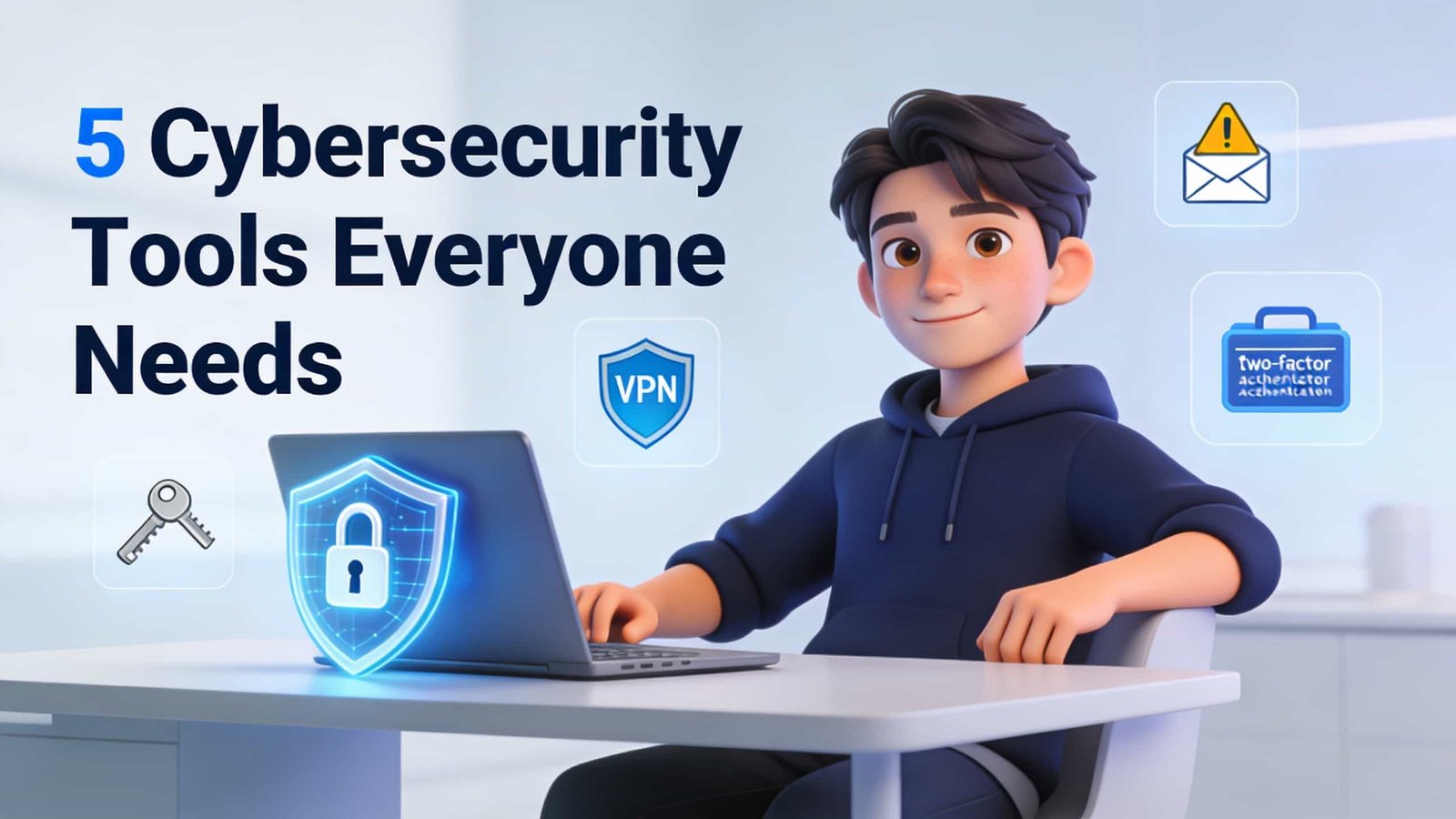
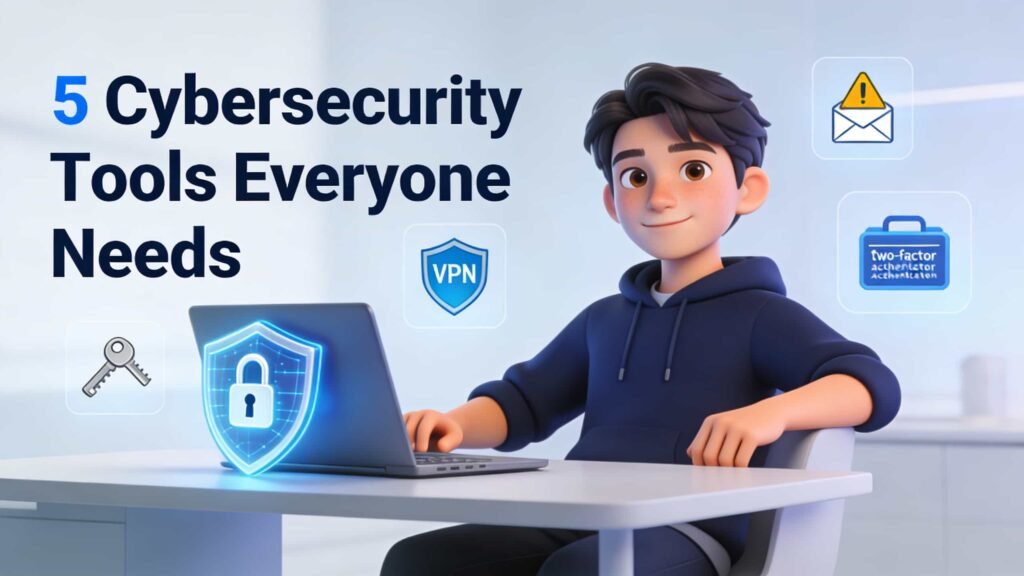
Always be skeptical. It’s better to be skeptical and safe than to allow everything through and have identity and information stolen. Remember, hackers don’t break in anymore they just log in. They steal information and login credentials. Don’t make it easy for them. So there are five tools that will instantly level up digital defence: antivirus software to protect the device, a password manager to help generate and store strong and secure passwords, a VPN to encrypt and hide traffic, two-factor authentication to provide an additional layer of identification, and phishing awareness so as not to fall victim. The truth is, cybersecurity is not a one-time setup. It’s a lifestyle lived day in, day out. Stay curious, stay updated, and take small steps every day to protect yourself online. Remember, online safety isn’t about paranoia it’s about preparation. Read More