
In 2025, design software has become the heartbeat of every creative business — from freelance logo designers and digital illustrators to full-scale branding agencies. Whether you’re crafting brand identities, YouTube thumbnails, or client-ready marketing visuals, choosing the right vector design tool can make or break your creative flow.
When we talk about industry leaders, CorelDRAW vs Adobe Illustrator stand tall as the two most powerful vector design platforms in the world.
Both have shaped the digital art landscape for decades — Illustrator under Adobe’s powerful Creative Cloud ecosystem, and CorelDRAW by Corel Corporation, which has a loyal following among professionals who prefer simplicity, offline flexibility, and one-time purchase options.
As someone who’s spent years designing for clients and running creative projects, I’ve worked hands-on with both CorelDRAW and Illustrator. I’ve experienced their strengths and pain points firsthand — from Illustrator’s advanced precision tools and AI-powered updates to CorelDRAW’s fast workflow and intuitive layout system.
By the end of this guide, you’ll have a clear answer to one crucial question:
👉 Which design tool — CorelDRAW or Adobe Illustrator — truly fits your workflow, budget, and creative goals in 2025?2. Quick Comparison Table: CorelDRAW vs Adobe Illustrator (2025)
| Feature | CorelDRAW 2025 | Adobe Illustrator 2025 |
|---|---|---|
| Developer | Corel Corporation | Adobe Inc. |
| Platform | Windows, macOS | Windows, macOS |
| Pricing | One-time or yearly | Subscription (Creative Cloud) |
| Ease of Use | Beginner-friendly | Professional-grade complexity |
| File Compatibility | Supports AI, EPS, PDF | Supports all major formats |
| Performance | Fast on low specs | Heavy but highly optimized |
| Best For | Print, logos, vector art | Digital design, illustration, branding |
🧭 3. What Is CorelDRAW? (Experience-Based Overview)
When it comes to vector-based design, CorelDRAW has been a trusted name for decades. It’s a complete graphic design suite created by Corel Corporation, used widely in print design, logos, signage, and packaging.
In 2025, CorelDRAW received a major upgrade — introducing AI-assisted tools, faster file rendering, and even smoother file compatibility with Adobe products and PDFs.
🧠 From personal experience:
“I’ve used CorelDRAW for client logo projects and packaging designs, and what I love most is how quickly I can turn ideas into print-ready files. Its interface feels natural, especially for designers who prioritize clean layouts and typography.”
⭐ CorelDRAW 2025 Key Features:
- 🌐 CorelDRAW.app for browser-based design access
- 🤖 AI-powered Image Tracing — convert raster to vector instantly
- 🎨 Color Management + Pantone Support for perfect print colors
- ✍️ Advanced Typography Tools with variable fonts and OpenType support
CorelDRAW is often the go-to choice for print-focused designers, especially those in signage or branding industries. It’s reliable, user-friendly, and cost-effective compared to subscription-based tools.🧭 4. What Is Adobe Illustrator? (Expert Breakdown)
If there’s one tool every professional designer recognizes, it’s Adobe Illustrator. This industry-standard vector design software powers branding, illustration, UI/UX design, and marketing visuals at the world’s top agencies.
Illustrator seamlessly integrates with Photoshop, After Effects, and InDesign, making it a powerhouse for anyone in a full creative workflow.
💬 Based on real experience:
“I’ve used Adobe Illustrator for creating brand identity kits and digital assets. It’s incredibly powerful but comes with a learning curve — you’ll need time to master it if you’re new to vector design.”
🚀 Adobe Illustrator 2025 Key Features:
- ☁️ Cloud Collaboration via Adobe Creative Cloud
- 🎨 AI-Driven “Generative Recolor” Tool — instantly change color palettes
- 🔥 Integration with Adobe Firefly (AI Art Generator)
- ✏️ Vector Precision for Both Print and Digital
While Illustrator is slightly more complex than CorelDRAW, its depth of features and integration make it the favorite among agencies and professional designers who want complete control over their artwork.🧭 5. Ease of Use: Which One Feels Simpler?
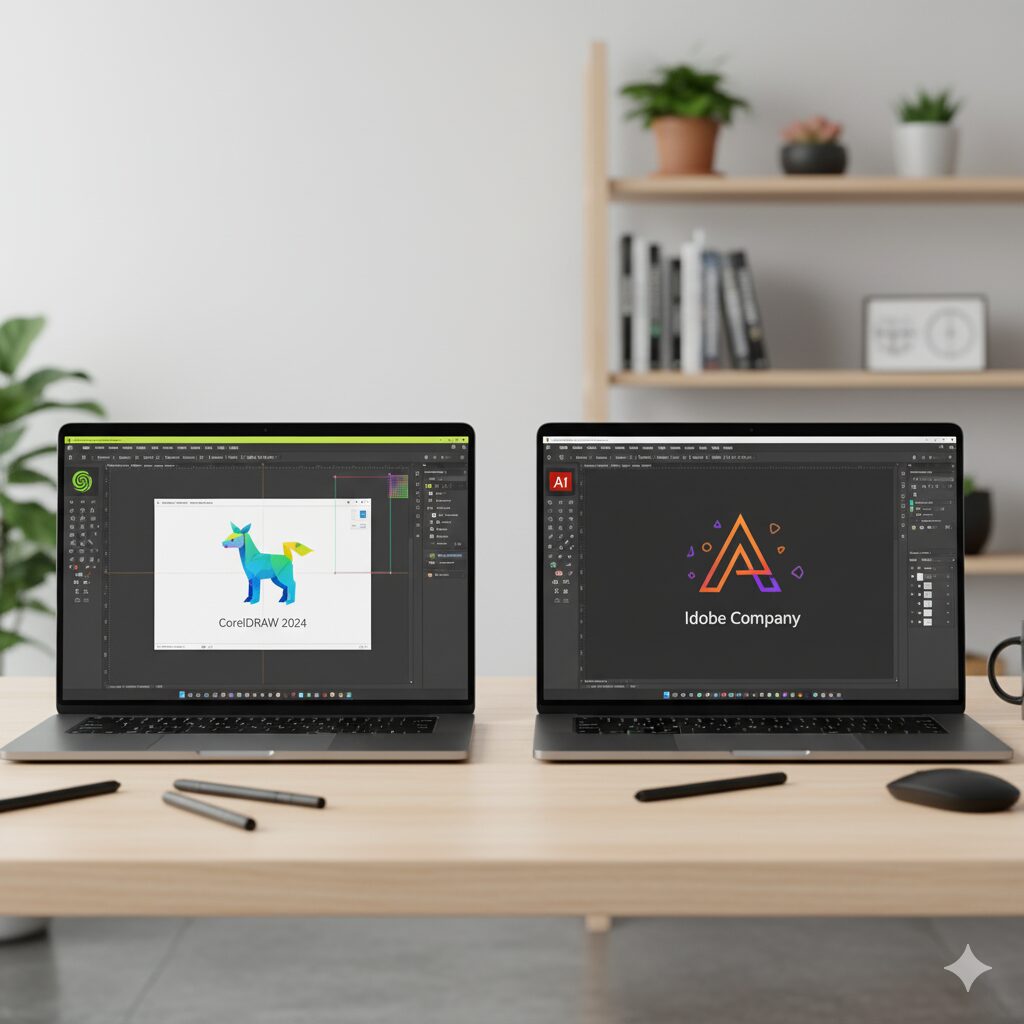
When it comes to ease of use, both CorelDRAW and Adobe Illustrator serve different kinds of designers.
- CorelDRAW has an intuitive layout, simple toolbars, and an interface that feels beginner-friendly. You can start designing logos or flyers within minutes — no steep learning curve required.
- Adobe Illustrator, on the other hand, is more advanced. It’s packed with layers, panels, and customization options that professionals love — but beginners may find overwhelming at first.
🎨 From personal experience:
“When I first tried both tools, CorelDRAW felt like sketching with a pencil — fast and easy. Illustrator was more like using a precision instrument — powerful but demanding.”
✅ Mini Verdict:
- If you’re just starting out, go for CorelDRAW.
- If you want agency-level precision and deep control, Illustrator wins.
⚙️ 6. Features Comparison (Detailed Breakdown)
Here’s a quick, structured breakdown comparing both tools feature by feature:
| Feature Type | CorelDRAW | Adobe Illustrator |
| AI Tools | Basic automation (object detection, trace) | Advanced AI tools via Firefly |
| Design Templates | 1000+ prebuilt templates for quick projects | 500+ high-quality Adobe templates |
| Export Formats | PDF, SVG, AI, EPS | SVG, EPS, PNG, PDF, FXG |
| Performance | Runs smoothly even on mid-range PCs | Needs higher RAM/CPU for smooth workflow |
| Collaboration | Corel Cloud for file sharing | Adobe Creative Cloud with real-time team sync |
💡 Insight:
After testing both for real client work, CorelDRAW performs better on mid-level hardware, while Illustrator offers unmatched integration for large teams and agencies.
💰 7. Pricing & Value for Money (2025)
Pricing can often decide which software fits your creative workflow. Let’s break it down clearly:
- CorelDRAW 2025:
💵 One-time purchase — around $269, or annual plan available.
You own your license and don’t need to pay monthly. - Adobe Illustrator 2025:
💵 Subscription-based — $22.99/month (standalone) or $54.99/month with full Creative Cloud suite.
🧠 Expert Tip:
If you’re a freelancer or student, CorelDRAW offers more long-term value. But if you work with agencies or need cross-software integration (like Photoshop + Illustrator), Adobe’s ecosystem is worth the monthly fee.
✅ Mini Verdict:
CorelDRAW = Better long-term value 💸Illustrator = Better ecosystem & team tools 🧑💼⚡ 8. Performance, Speed & File Handling
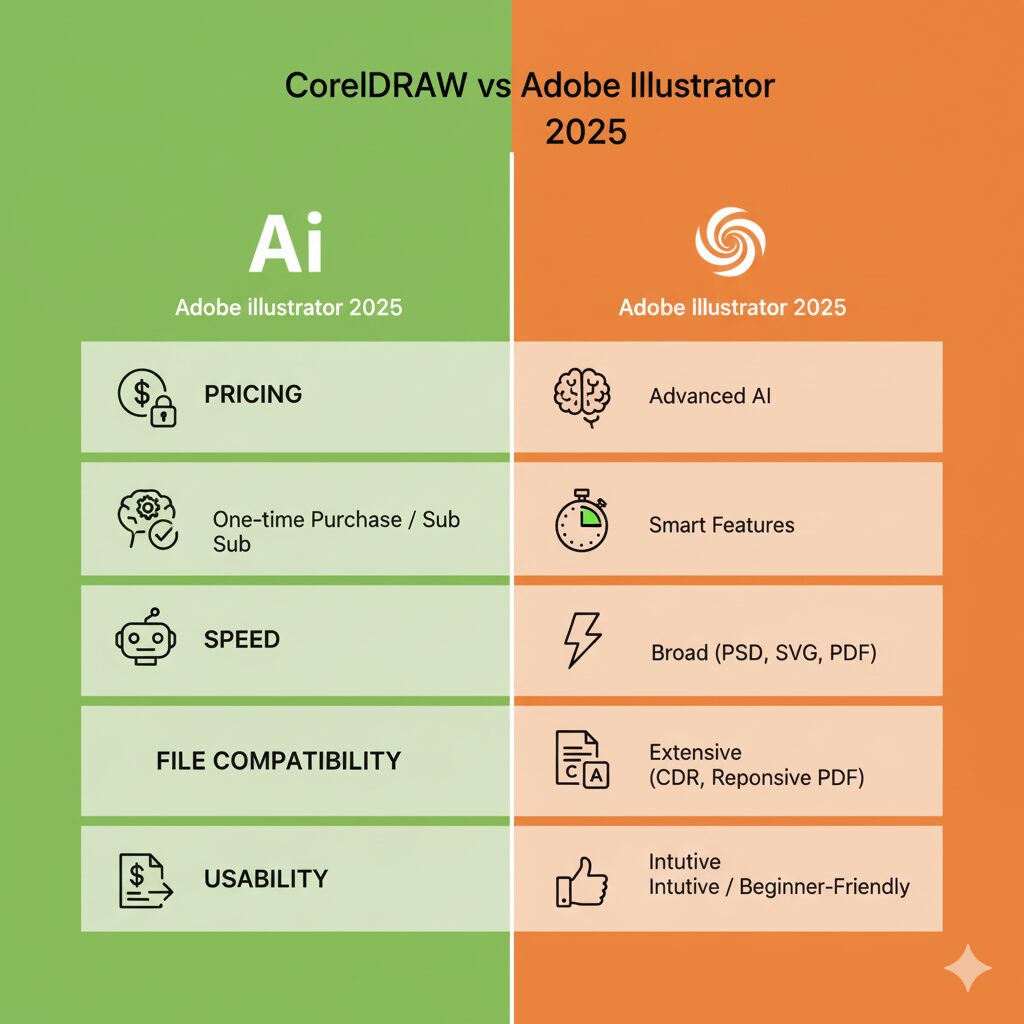
When it comes to performance, both CorelDRAW and Adobe Illustrator deliver — but in different ways.
- CorelDRAW is known for being lightweight and runs smoothly even on mid-range systems.
- Illustrator, though more optimized now in 2025, still demands more processing power because of its advanced AI tools and large creative suite integration.
💻 My Experience:
“On my mid-range laptop, CorelDRAW opened large files about 20–30% faster than Illustrator — especially when working with print-ready or multi-page projects.”
✅ Verdict:
If you’re on a budget system, CorelDRAW gives you faster load times.
If you have a powerful setup, Illustrator offers smoother rendering with complex designs.
🌍 9. Community, Tutorials & Support
A good design tool isn’t just about features — it’s about the community and learning support behind it.
- Adobe Illustrator has a massive global community. You’ll find thousands of tutorials on YouTube, Behance, Reddit, and Adobe’s official forums.
- CorelDRAW, on the other hand, has strong regional communities, especially in Asia and Europe, and offers beginner-friendly tutorials through its CorelDRAW Academy.
🧭 Learning Resources
💡 Tip:
Having accessible learning resources makes both tools beginner-friendly, but Illustrator clearly wins in community size and global support.
🎯 10. Use Cases: Which Tool Fits Your Work?
Here’s a quick look at which tool suits different user types:
| User Type | Recommended Tool |
| Beginners | 🟢 CorelDRAW |
| Freelancers | ⚖️ Either (depends on client needs) |
| Agencies | 🔵 Adobe Illustrator |
| Print & Signage Designers | 🟢 CorelDRAW |
| Digital Illustrators | 🔵 Illustrator |
| Students | 🟢 CorelDRAW (cheaper license) |
✅ Pro Insight:
If you work mostly on branding, print, or packaging, CorelDRAW fits perfectly.
If you’re more into digital, web, and advanced vector art, Illustrator takes the lead.
⚖️ 11. Pros & Cons Table
| Pros and Crons | CorelDRAW | Adobe Illustrator |
| ✅ Pros | Easy to learn, cheaper, fast, supports offline work | Industry-standard, powerful AI tools, Creative Cloud sync |
| ❌ Cons | Fewer third-party plugins, smaller global user base | Expensive, complex for beginners, subscription-only |
💬 Personal Verdict:
“As someone who’s used both for years, I find CorelDRAW better for quick commercial work and Illustrator best for agency-grade design.”
🏁 12. Final Verdict: Which One Should You Choose in 2025?
So, which is better — CorelDRAW or Illustrator?
It depends on what kind of designer you are.
If you’re new to design, CorelDRAW gives you everything you need — fast, affordable, and easy to master.
But if you’re working with agencies, clients, or global brands, Illustrator still remains the industry leader in 2025.
👉 Pro Tip: Try both before deciding!
🧠 Final Thought:
The best tool isn’t about brand names — it’s about what helps you create faster, smarter, and with confidence.
🧩 13. Frequently Asked Questions (FAQ)
Let’s clear up some of the most asked questions designers have about these two tools in 2025:
Q1: Which is better for logo design in 2025?
Both tools are great, but Adobe Illustrator is still the preferred choice for agency-level logo design and brand identity work. It offers more precision and vector flexibility for scaling across platforms.
Q2: Can CorelDRAW open Illustrator files?
✅ Yes. CorelDRAW now supports AI file import, letting you open and edit Illustrator files easily — though some layer effects and gradients may appear slightly different.
Q3: Which is cheaper for long-term use?
CorelDRAW wins here with its one-time license option and lower yearly plan, while Illustrator requires a monthly Creative Cloud subscription.
Q4: Which is better for beginners?
CorelDRAW has a simpler, more intuitive interface, making it perfect for students, hobbyists, and small business designers. Illustrator can feel complex at first but offers more power once mastered.
Q5: Is Adobe Illustrator worth the price?
If you’re a professional designer, absolutely yes. Illustrator’s integration with Photoshop, After Effects, and Firefly AI makes it worth every rupee for serious creatives.
🏁 14. Conclusion + CTA
In 2025, both CorelDRAW and Adobe Illustrator continue to lead the vector design world — but they cater to different types of designers.
| Tool | Best For | Why Choose It |
| 🟢 CorelDRAW | Beginners, students, solo designers | Easy to learn, affordable, fast performance |
| 🔵 Adobe Illustrator | Agencies, pros, brand designers | Industry-standard, powerful AI tools, best collaboration |
✅ Final Verdict
If you want speed, affordability, and simplicity, go for CorelDRAW.
If you need pro-level control and deep creative integration, choose Adobe Illustrator.
💬 “Both tools are world-class — your choice depends on what kind of designer you are.”
🔗 Suggested Reading
To continue your creative learning journey:
Figma vs Adobe XD (2025) – Which UI/UX Design Tool Should You Choose?
Canva vs Photoshop (2025) – Which Design Tool is Best for You?
Krita vs Photoshop (2025): Best Digital Art Tool Revealed
Huion vs XP-Pen: The Best Budget Drawing Tablet for Beginners (2025)