Ranking Criteria & Lead Qualification
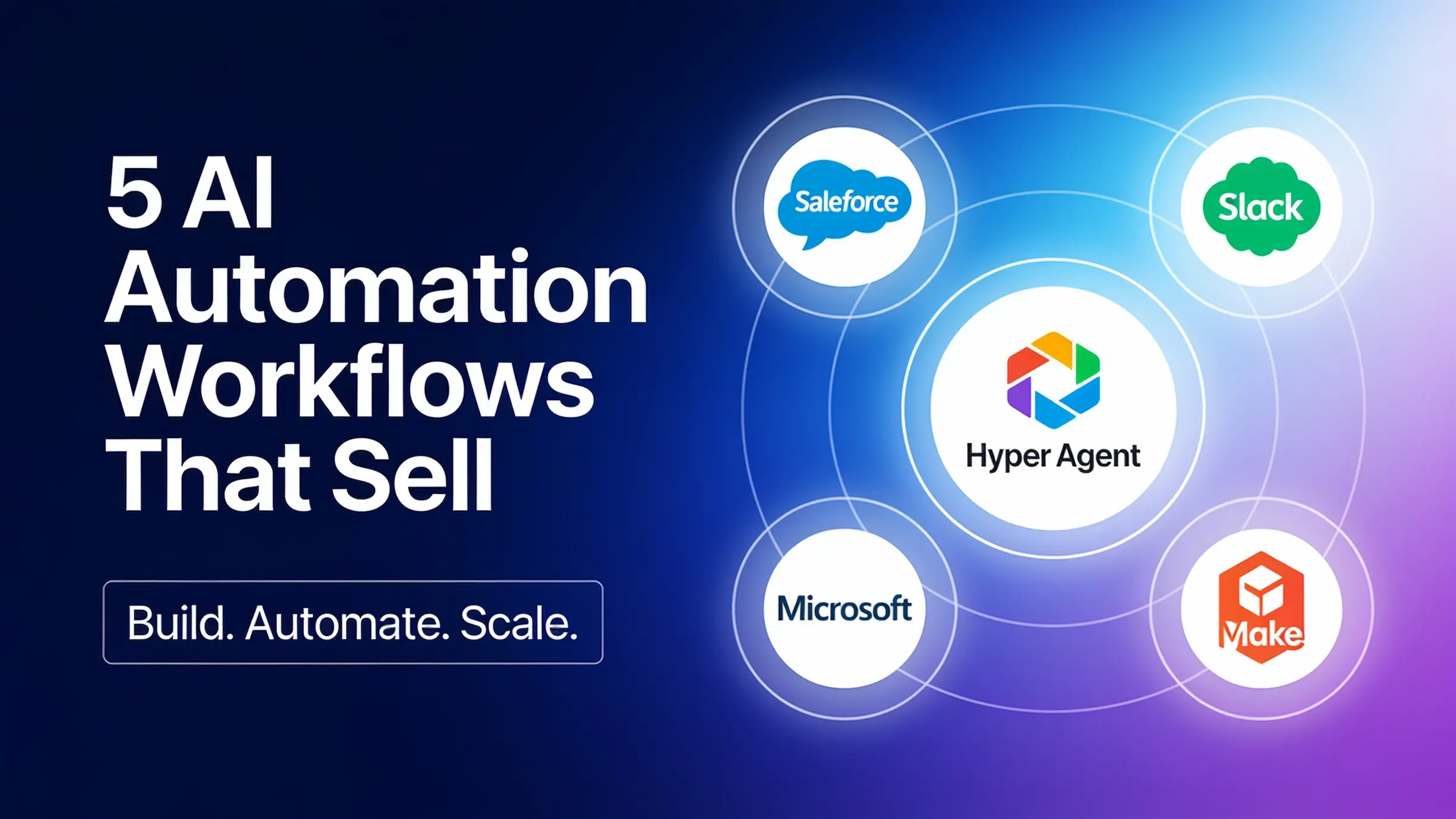
I sent research agents through recent surveys, marketplaces, job listings, case studies, and online communities. There were five workflows that kept showing up. I’ll show you the data behind each one, what I’d build for a portfolio, and why one relevant project can beat 30 impressive demos. If you’re starting from zero, I’ll tell you which one I’d build first. I only counted workflows with recent buyer demand, real deployments, a clear buyer, and a result that they can actually measure.
This isn’t a market share census. It’s a ranking based on the strongest evidence that I was able to find. Together, five automations cover customer acquisition, service, back office work, and employee operations. If you learn these patterns, you can genuinely start mapping out opportunities for automation across any business.
Lead Qualification and Follow-up
First up is lead qualification and follow-up. This is when a lead comes in and the workflow enriches the lead, scores it against the company’s rules, and then collects anything missing. It’ll update the CRM and then it can either start following up or it can book a meeting. The outcome that you’re selling here is fast responses to qualified leads without making sales people dig through a bunch of junk. Salesforce says that Seammens is deploying this type of system across 2,800 inbound leads a week using about 50 verification rules. Those 50 verification rules are where the value truly lives because you have to understand how that company defines what a good lead is.
Building a Lead Qualification Example
For a portfolio project, pick one vertical, maybe commercial cleaning or HVAC. Capture and enrich the lead, score it, and create the CRM record, then route it by territory or by service, and give the salesperson a short explanation of that score. To start, low confidence and unusual leads should still go to a person rather than being completely discarded, at least until you’ve done enough testing to really dial in the system. For this type of automation, I’d be tracking response time and the percentage of qualified leads that actually book. One other thing here: don’t go out and build 10 agents talking to each other. You just need one reliable workflow with clear rules, a human handoff, and a clean CRM record, and that can do the job. It’s way simpler. You don’t need to overengineer.
Customer Support
Number two is customer support. This type of system answers from approved sources. It’ll pull in relevant context and it will complete a few safe actions when needed and it will hand risky cases to a person with a conversation summary. Salesforce found that agentic AI adoption in service organizations went from 39% in 2025 to 66% in 2026. Among teams already using service agents, 70% said that they saw measurable value within just 60 days.
Building a Customer Support Example
Take an e-commerce demo for example. You would handle order status, return eligibility, and address changes. You would need the system to pull in the real order and policy and verify identity before changing things and escalate refunds, cancellations, suspicious requests, and anything sensitive. The handoff to the human should include a summary, the sources that were used, the actions that were taken, and the recommended next steps. Don’t make the human start from zero. Every company is going to have a different process for customer support. For this type of project, I would think about measuring how many tickets it actually resolves correctly without a person. I’d also be watching the reopen rate, because a high resolution rate doesn’t really mean anything if the customers keep coming back because the original answer from the AI was wrong.
Hyper Agent
I know that a lot of you are building AI agencies and managing agents for multiple clients, and that stuff can get messy pretty quickly because every client needs their own instructions, context, tools, and connected accounts. Hyper Agent gives you one place to build and manage all of those agents. Each agent can have its own system prompt, model, knowledge, integrations, and automation settings so that you can just set up a dedicated agent for each client or each job. You can also share agents through a team. Your client can run the agent and keep their own threads and outputs while you maintain control of the configuration behind it.
They get a clean way to use what you’ve built without needing to understand all of the technical setup. Since Hyper Agent runs in the cloud, agents can run off a schedule, they can respond in Slack, they can be triggered from webhooks, or they can monitor activity through live mode while your laptop’s closed and turned off.
Voice AI Reception
Number three is a voice AI receptionist for either missed calls or after hours calls. This thing can qualify the caller. It can book the appointment. It can update the calendar, the CRM. In Fiverr’s 2026 trend report, the company compared two six-month periods and found that searches for AI voice agents were 49% higher in the more recent 6 months. For an after hours build, I would probably disclose that it’s AI and I would identify the service and the urgency.
System Actions, Recording, and Testing
The system can answer approved questions. It can check the calendar. It can book the appointment. It can send confirmations. Anything uncertain or urgent should always be routed to a person. If calls are being recorded, make sure that you’re following local consent, regulation, and privacy rules. Make sure you’re testing this thing in the real world.
Edge Cases and Metrics to Track
It’s messy. There’s things like accents, interruptions, background noises, emergencies. The cool thing about this one, and honestly every automation that you’ll ever build, is that you can have a bunch of different agents essentially stress test the automations to find the edge cases you might not have thought about.
That isn’t 100% coverage of all the edge cases, but it definitely helps more than just what your brain can do alone. Two of the numbers that really matter here are recovered bookings and cost per booking. Notice the trend here: these automations each have a bunch of different metrics they could move. What I’m trying to do is dial in on one or two of each, because that makes the outcome way easier to communicate to the business owner.
Document Processing
Number four is document to system processing. In a Microsoft case study, a tech company’s custom document workflow saves 40 hours a week and has reduced errors by 99%. A document lands in an inbox or a folder, the system identifies it and extracts the correct fields, then it will validate them against company records. It can route the exceptions. It can create drafts in the right systems. Zapier also found that data entry and extraction was the most common enterprise AI agent use case at 47%.
I will admit that when it comes to things like document processing, they are a lot less impressive of a demo compared to something like a voice agent. But you still have all the saved hours, the fewer errors, and a smaller backlog. All of those benefits make the ROI of that system really easy for the business owner to understand. In this whole AI automation space, I’ve always said that boring is beautiful.
Building an Invoice Processing Example
Build something like invoice processing. It’ll pull invoices from a shared inbox. It’ll extract the vendor, the line items, things like that. It will validate the totals. It will then match the purchase order. It will flag discrepancies and create a draft bill. When you’re first getting started, keep these as drafts. You’re letting the AI prepare the transaction and then a human approves and moves the money around. For this type of system, I’d be watching things like field accuracy and how many drafts need no correction.
Employee Onboarding
Number five is employee service and onboarding. Think about a new hire getting started, but their laptop and system access still aren’t ready because everybody thought somebody else had handled that. This type of automation keeps all of those things from happening because it’ll answer policy questions. It’ll do HR and IT requests, approvals, onboarding, offboarding, across a bunch of different systems. McKinsey found that agents show up most often in IT and knowledge management, including things like service desk work. In a Make case study, a Franklin CVY HR workflow went from 30 days down to 2 hours.
Building an Onboarding System
Try building an onboarding system. Once the offer has been signed, route approvals and create access requests based on the person’s role. Then you can do things like assigning equipment, assigning training, answer approved questions, send reminders, and show the manager what’s still left incomplete. For this type of process, real account creation would likely still need manager and system owner approval. The sales cycle might just be a little longer because of all those permissions. This type of automation really fits mid-size companies that onboard people often but still miss steps. What does this automation look like when it’s successful? It means new hires are getting ready faster with fewer missed tasks.
Process Discovery
Those are the five. Knowing what to build is only half the job. To sell one of these, you have to understand the process behind it. Just copying one of these diagrams or taking a random process off the internet, assuming that all onboarding is like that, and putting it into Claude or Codex, that’s just not enough. You have to interview the person doing the work. You have to talk it through with the stakeholders. You have to walk through three recent examples at least, not just the perfect SOP of how it’s supposed to go. You have to look at how it really happens in the real world.
Map the triggers, the systems, the data, the decisions that follow rules versus decisions that need AI judgment. Then you have to look at things like exceptions, approvals, and success metrics. You will almost always need to adapt the build to the company’s actual tech stack and permissions. It’s really hard to have a one size fits all solution. Once you know the processes that well, the business starts seeing you as a trusted operator, a consultant instead of just another tool builder. If you’re a beginner, you don’t need to access a real company’s data in order to start building test projects and portfolios. Just use dummy data.
Build a Specialist Portfolio
If I were starting out from zero right now, I’d probably build something like document processing because it’s super easy to test and it’s easy to get up and running for a first project. If you really know CRM, then maybe build some lead routing. If you really know local service businesses, then build a missed call recovery workflow. The point I’m trying to make here is choose the project closest to the people and the processes that you already know, because you could have 30 impressive AI automations in your portfolio and still look risky if every demo feels generic and it doesn’t actually fit what the customer is looking for.
Why Specialists Win Trust
Think about if you wanted to go have an amazing steak. You probably wouldn’t choose the restaurant that’s serving sushi, tacos, pizza, steak, and 20 other things. You would choose the steakhouse because you trust the specialist. An HVAC owner thinks the same way. They trust the person who understands emergency calls, service areas, dispatch rules, and how a booked estimate actually reaches their system. A lot of times people ask me what the best projects to have in my portfolio are. My answer is usually whatever project solves the pain of the person that you’re actually meeting with. Pick one buyer, one business process, and one measurable outcome. A portfolio with 50 things that are all unrelated and generic might feel more impressive, but really you’re just losing that business’s trust even more.
Wrapping Up
The five automations: lead qualification and follow-up, customer support resolution, voice reception and booking, document processing, and employee service and onboarding. Together, these patterns let you start mapping AI across basically the entire business from front to back. I put all of this into a free resource guide that you can access in my free school community.