How we compare the best CRMs
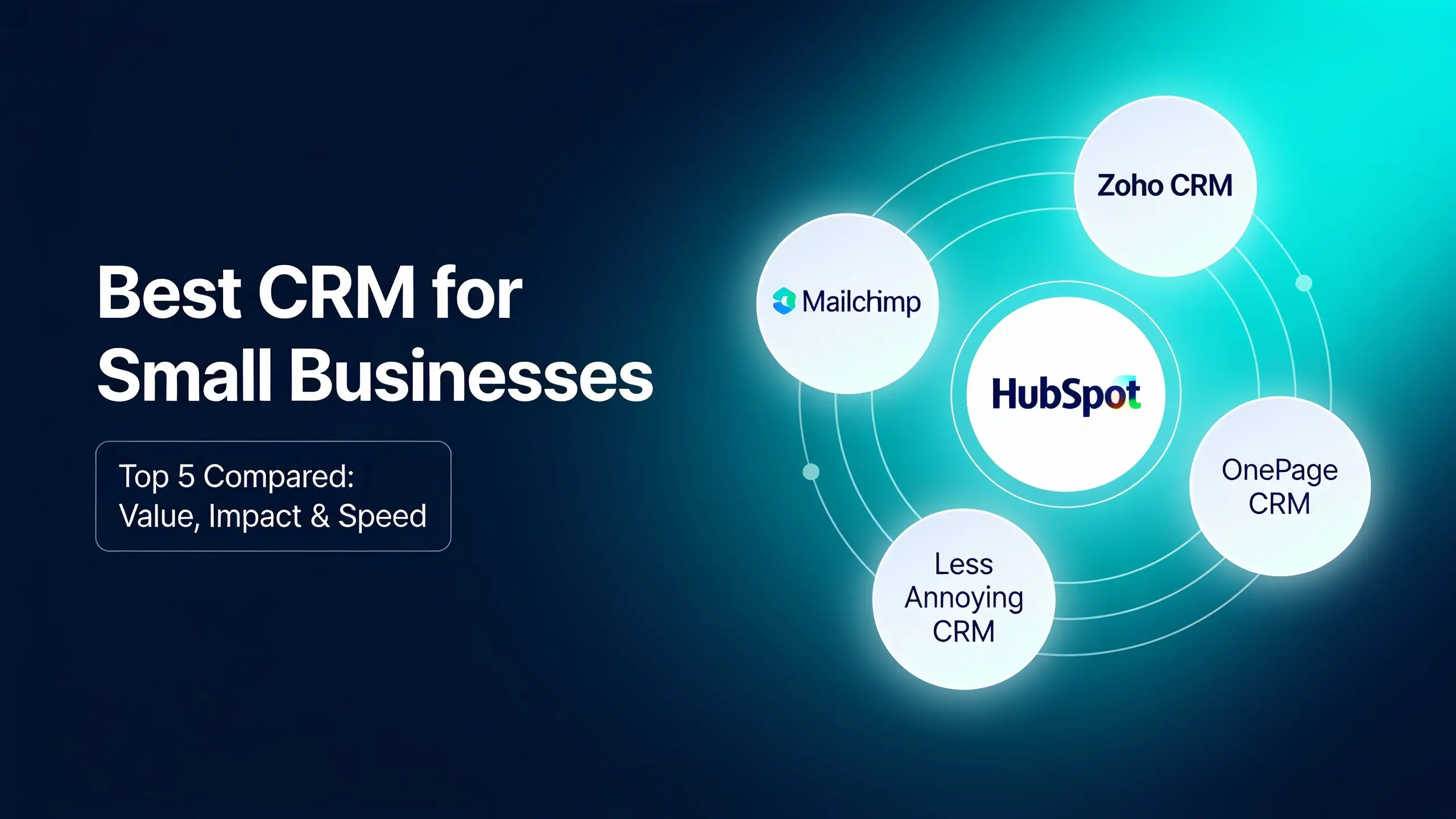
Looking for a CRM is tricky. It’s like standing in a big room surrounded by too many options, completely in the dark. So we compare small business CRMs across three categories: value, impact, and speed. That’s the VIS scale, and it helps you spot a strong CRM even in the dark. Here are the top five solutions for small businesses and which ones shine bright.
OnePageCRM
Value
Built exclusively for small businesses, OnePageCRM helps you prioritize interactions. Small business CRMs generally cost between $10 and $55 per month, depending on what features you need, and OnePageCRM’s pricing, even for the most advanced plan, stays well within this budget. There are no hidden fees or fine print to worry about. OnePageCRM also offers full support across all plans, and doesn’t restrict you to chatbots during your trial. With affordable prices and fair support, OnePageCRM scores high on value.
Impact
Its lowest plan has all the essentials and a few advanced features such as full email sync, click-to-call integrations, and simple automation. Subscribe to an upper plan and you’ll also get email sequences for outreach. For marketing automation, OnePageCRM has a native integration with Mailchimp. Higher plans offer more features so you can scale your business gradually when needed. Taking all this into account, OnePageCRM can have a positive impact on your bottom line.
Speed
Speaking of navigation, its interface is free of clutter: lots of white space, big buttons, and no tiny fonts. You can even hide a few items from the top menu. OnePageCRM has a centralized workspace, so you can run your whole business from one place: make calls, send emails, update deals, and so on. You can also instantly create contacts from any web page or social profile, or use free web forms. This CRM scores high on speed thanks to its simple interface, centralized workspace, and lead capture tools. OnePageCRM is a well-priced solution with advanced functionality and a simple interface.
Less Annoying CRM
Value
If you’re based in the US, you’ve probably heard of Less Annoying CRM and the quality of their customer support. They have a single plan, so you don’t have to worry about picking the right one. Less Annoying CRM offers unlimited contacts and transparent pricing, and their customer support is highly praised, with a single price point, no hidden fees, and helpful staff. Less Annoying CRM delivers high value.
Impact
That said, it lacks advanced features. While it logs the content of your emails, there’s no email sync, click-to-call options, or automation. It does integrate with Mailchimp if you need marketing campaigns. The one-plan setup seems attractive at first, but you’ll likely need to look for a new provider once your business grows. Less Annoying CRM is a good solution for beginners, though its impact on your bottom line is lower compared to other systems.
Speed
On the bright side, its navigation is simple, with just a few tabs, and the design is user-friendly. It has a centralized workspace with a calendar as a nice touch. That said, there’s no lead capture tool except for free web forms. Less Annoying CRM is a fairly fast solution, lacking only a browser extension for instant contact creation, which puts its speed at moderate. It’s a simple product with genuinely great customer support, though for the same price, you can find a more powerful CRM system elsewhere.
Zoho CRM
Value
Zoho has a big infrastructure with different products and setups. The pricing for its CRM sits within a small business budget, and plans are fairly transparent, though a bit confusing since some features belong to other Zoho products. Their CRM has basic support and premium support, which costs extra. Zoho offers an affordable solution, but the additional fees and limits make its value moderate compared to other small business CRMs.
Impact
On the starter plan, Zoho CRM doesn’t offer full email sync, but it does have simple automations and an integration with Facebook (as referenced in the source material) that can be handy. Zoho also has automated email sequences and is a fairly scalable CRM with a wide range of features. Even so, Zoho’s overall impact on your bottom line is moderate, since it lacks email sync on the starter plan.
Speed
When it comes to user-friendliness, Zoho isn’t the winner. The interface is clunky, with lots of modules, sections, and buttons. Despite its big ecosystem and large marketplace, it doesn’t have a centralized workspace the way OnePageCRM or Less Annoying CRM do, which means different tasks happen on different pages. It does have a free browser extension for lead capture, though it works only with Gmail. Despite the powerful feature set, Zoho is far from intuitive, which makes it harder to learn, and that’s why it scores low on speed. This CRM is a solid choice if you already use other Zoho products or want to get deeper into their ecosystem.
HubSpot
Value
HubSpot is a well-known CRM with a generous free plan. For small businesses, though, pricing runs less affordable. Most plans carry onboarding fees disclosed in fine print, and upgrading to a fuller customer platform suite can strain your budget. HubSpot also offers limited support on lower plans, which isn’t ideal for beginners. Between the costly upgrades and tiered support, HubSpot’s value for many small businesses is low.
Impact
Still, its entry and free plans are genuinely capable. For a low price, you get a lot of features, including click-to-call integrations, full email sync, and simple workflows. Proper automation and email sequences, however, come at a cost, and you’ll need to dig through a fair amount of documentation to see if HubSpot fits your budget. It’s a highly scalable platform if you have money to spare, and it scores high on impact as one of the more feature-rich CRMs around.
Speed
It has a nice color palette, but it’s not the fastest CRM. The navigation is tricky enough that there’s a dedicated search bar for features, and it doesn’t have a centralized workspace either. As an enterprise solution, it’s divided into multiple modules and tabs, and the HubSpot browser extension captures leads only from emails, not other web pages. That’s why HubSpot scores low on speed. It’s a strong fit for marketing-focused companies with bigger budgets, but it can get costly for small businesses that just need a few extras.
Pipedrive
Value
Built for deal-focused businesses, Pipedrive has a wide range of sales features, integrations, and add-ons. Its pricing isn’t especially budget-friendly, though, with the top plan reportedly running more than $55 per month. You may also need to account for extra add-ons, and phone support is available only on the top plans. Pipedrive’s value for money is low, largely due to paid add-ons and tiered support.
Impact
Its starter plan has neither full email sync nor automations, so you’ll most likely need to move up to the second plan. Pipedrive runs more expensive than other CRMs, but it does have email sequences, though like everything else in Pipedrive, these work only with deals, not contacts. It’s a very scalable CRM with plenty of extra features and add-ons. Like Zoho CRM, Pipedrive’s impact on your bottom line is moderate, due to the limited starter plan.
Speed
Its interface is clean and the green color scheme is pleasant, but navigation can be a challenge with so many tabs and subtabs. Pipedrive does let you manage deals from a central workspace, and while there are no free lead capture tools, it offers integrations and paid add-ons. It’s a fairly fast solution, lacking only a native browser extension and a simpler interface. It’s a genuinely powerful CRM for sales-focused businesses that want to double down on deal management.
Those are the top five CRMs for small businesses, compared across the same criteria, but there are plenty more out there worth a look.